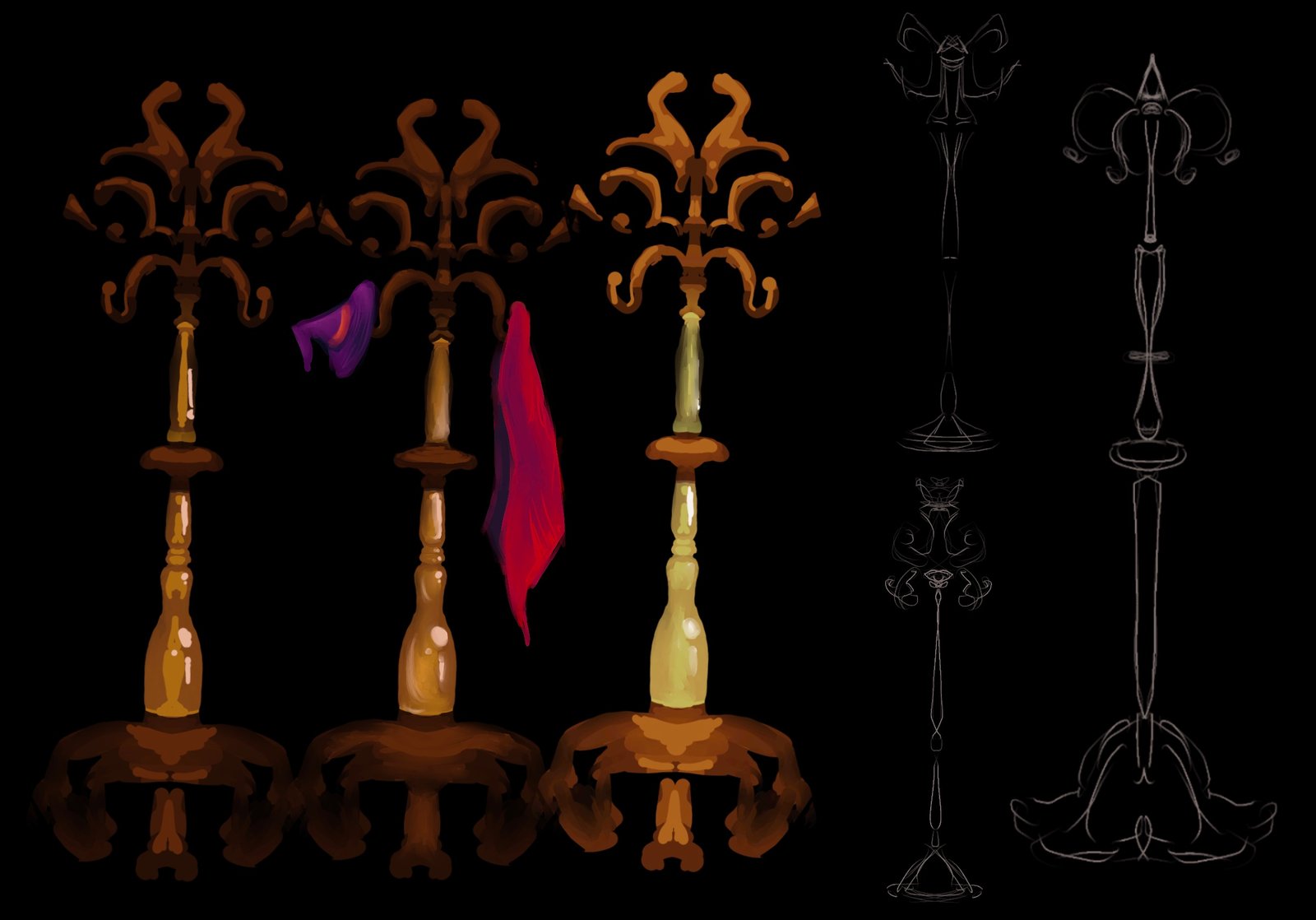
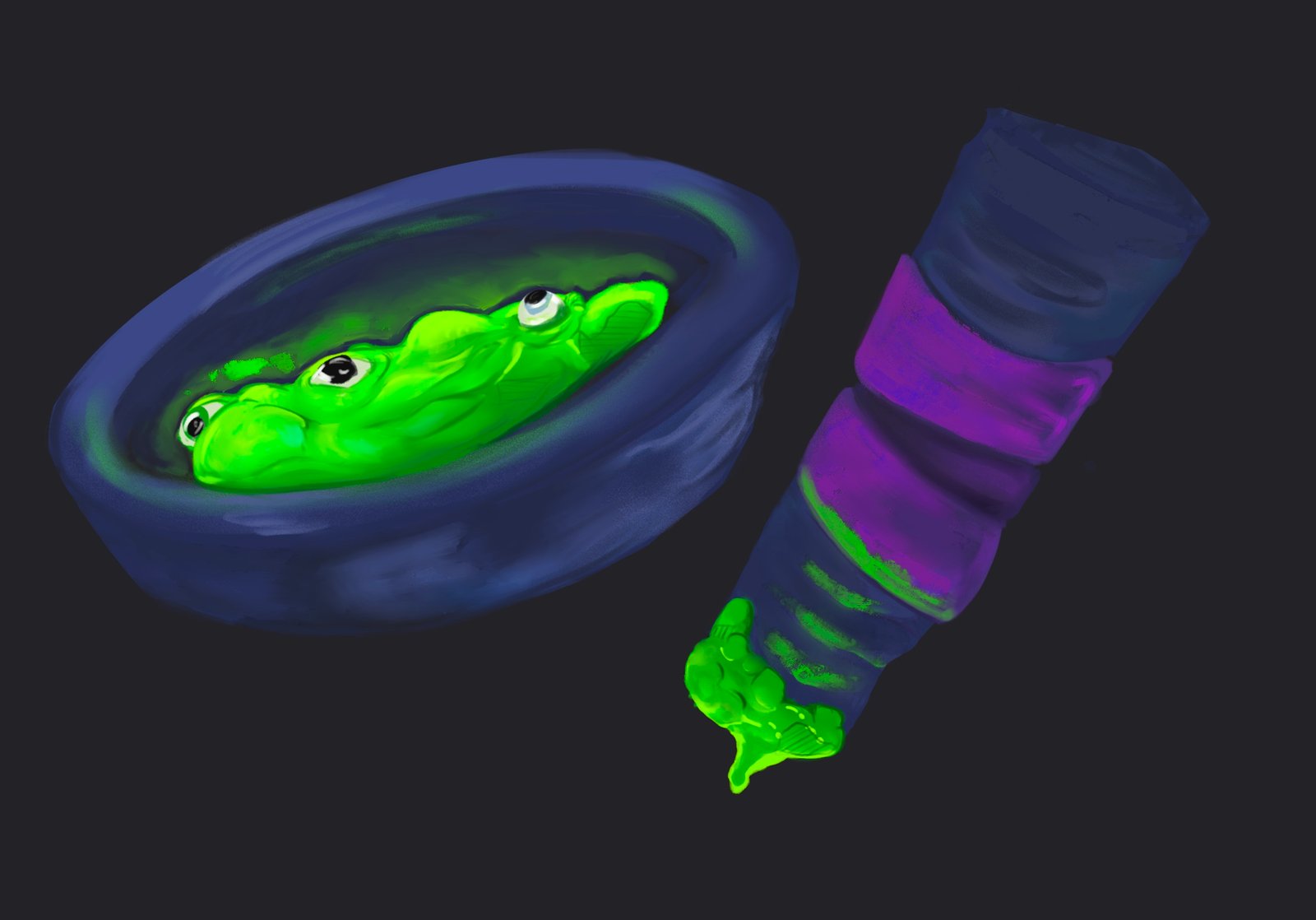
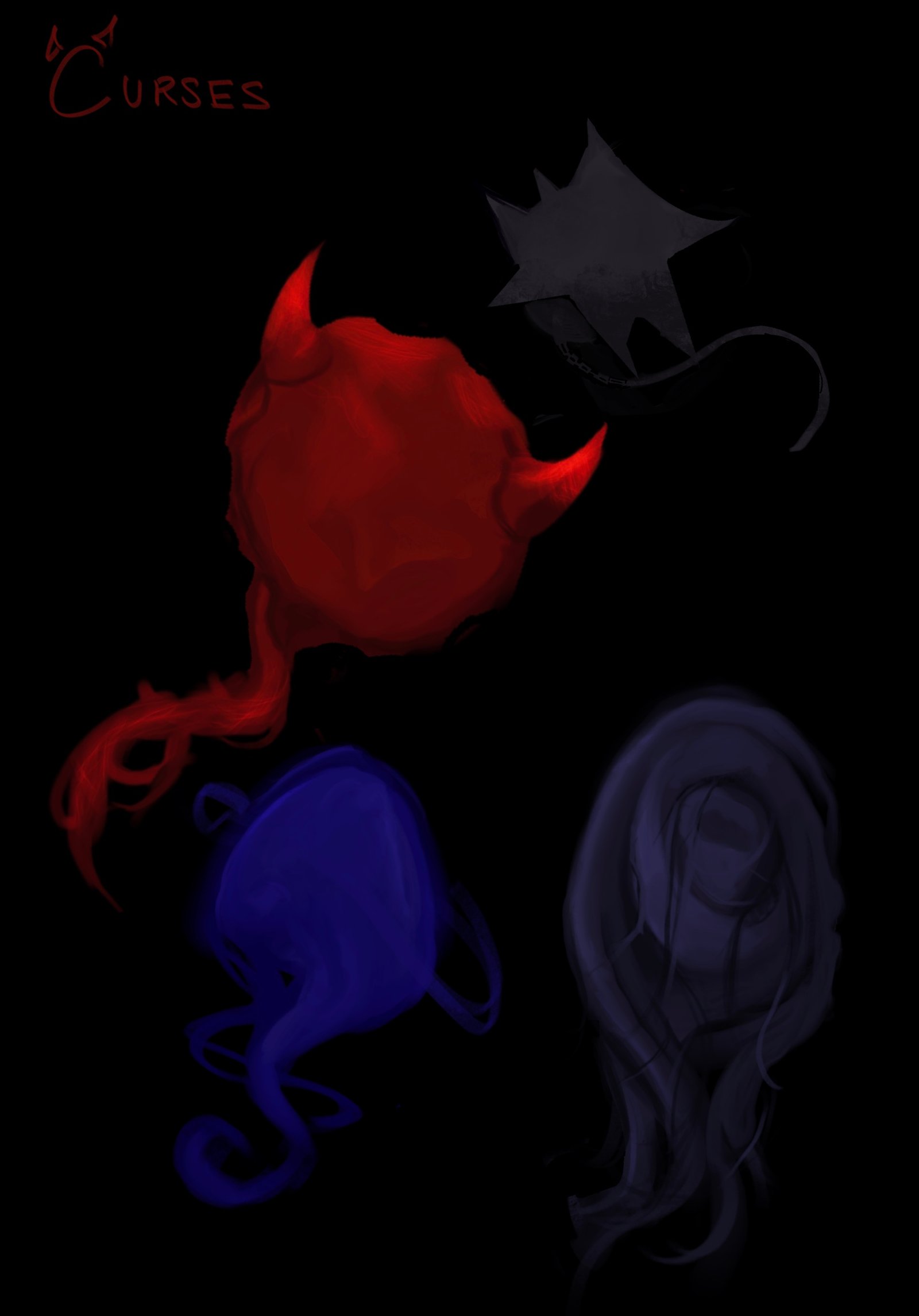
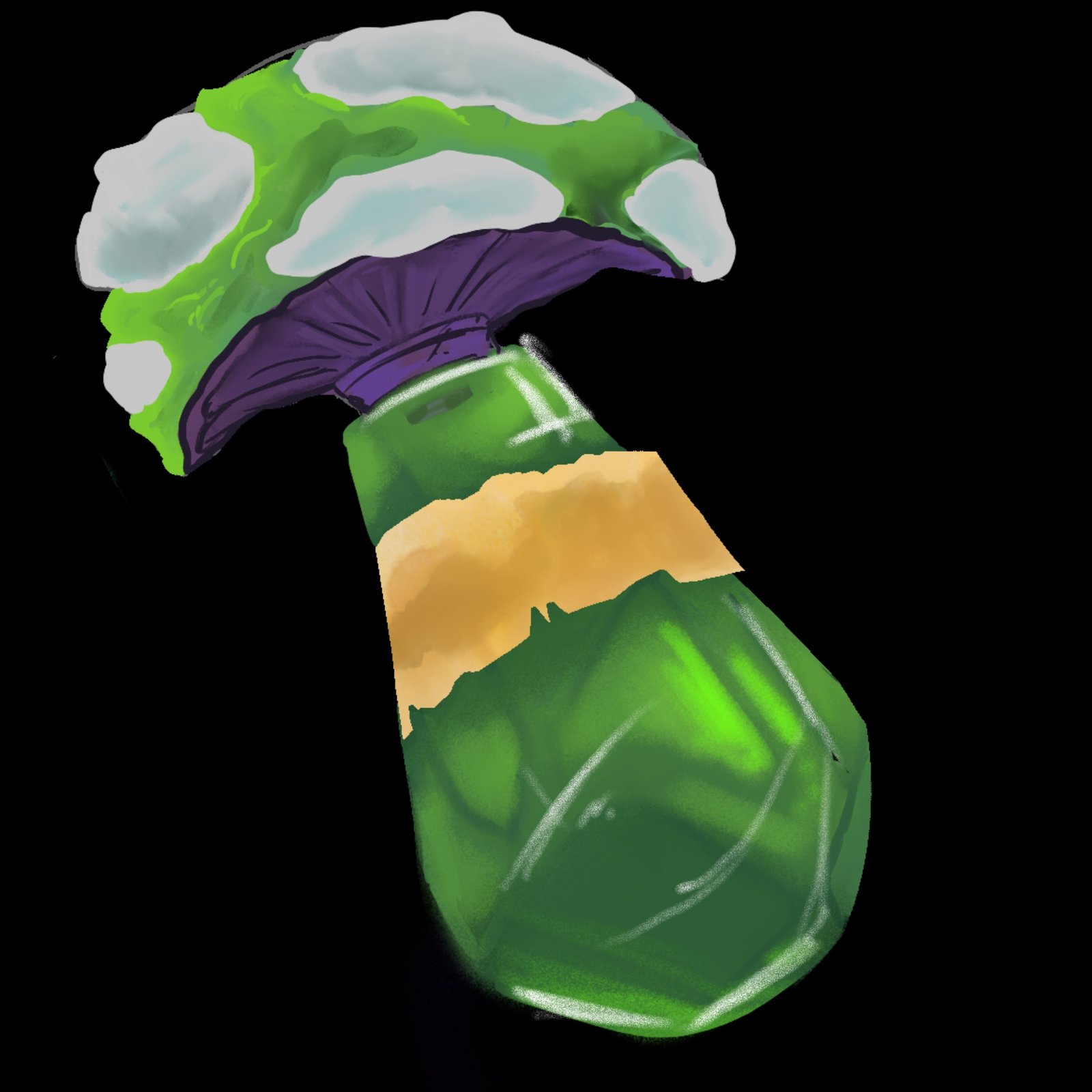
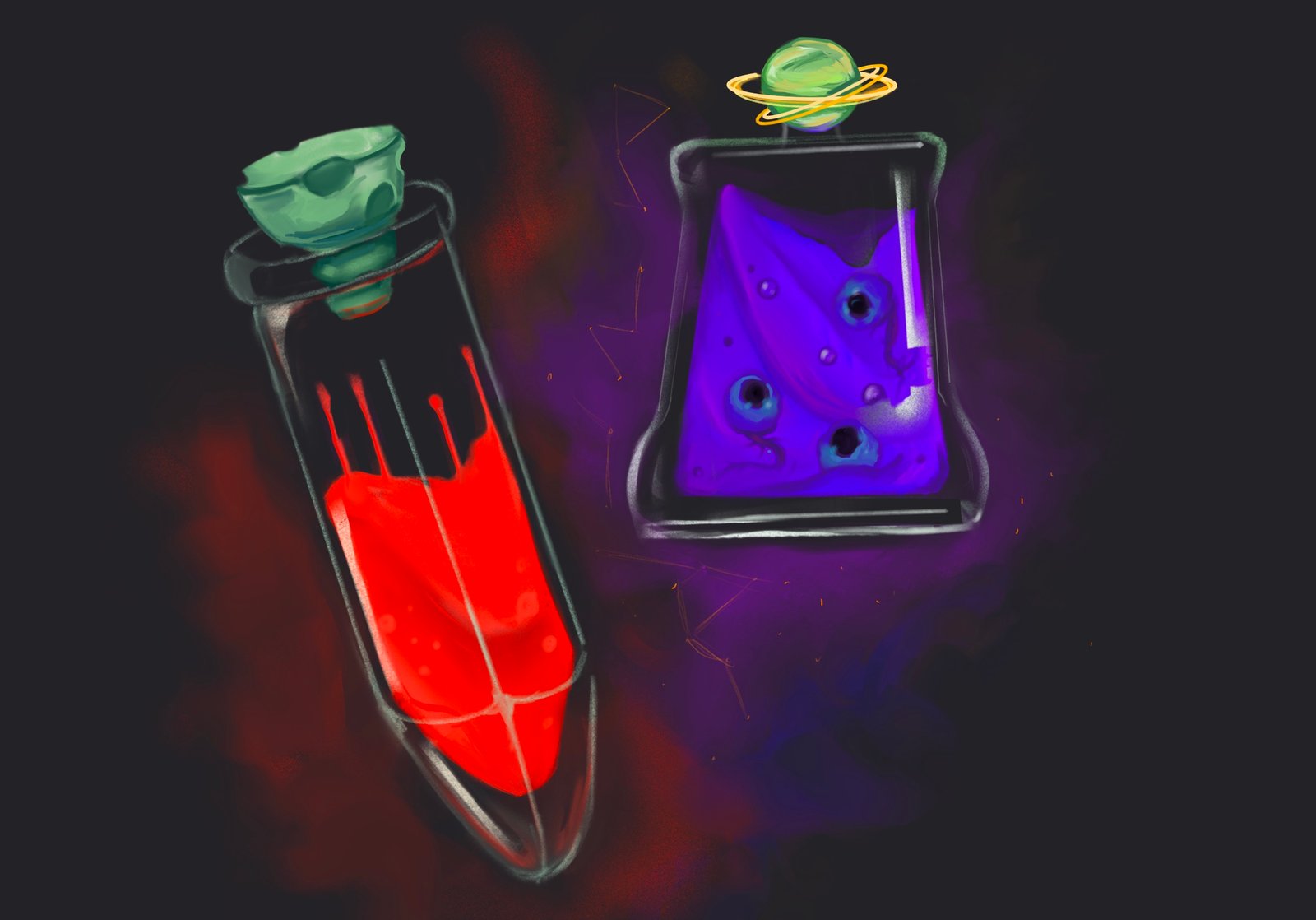
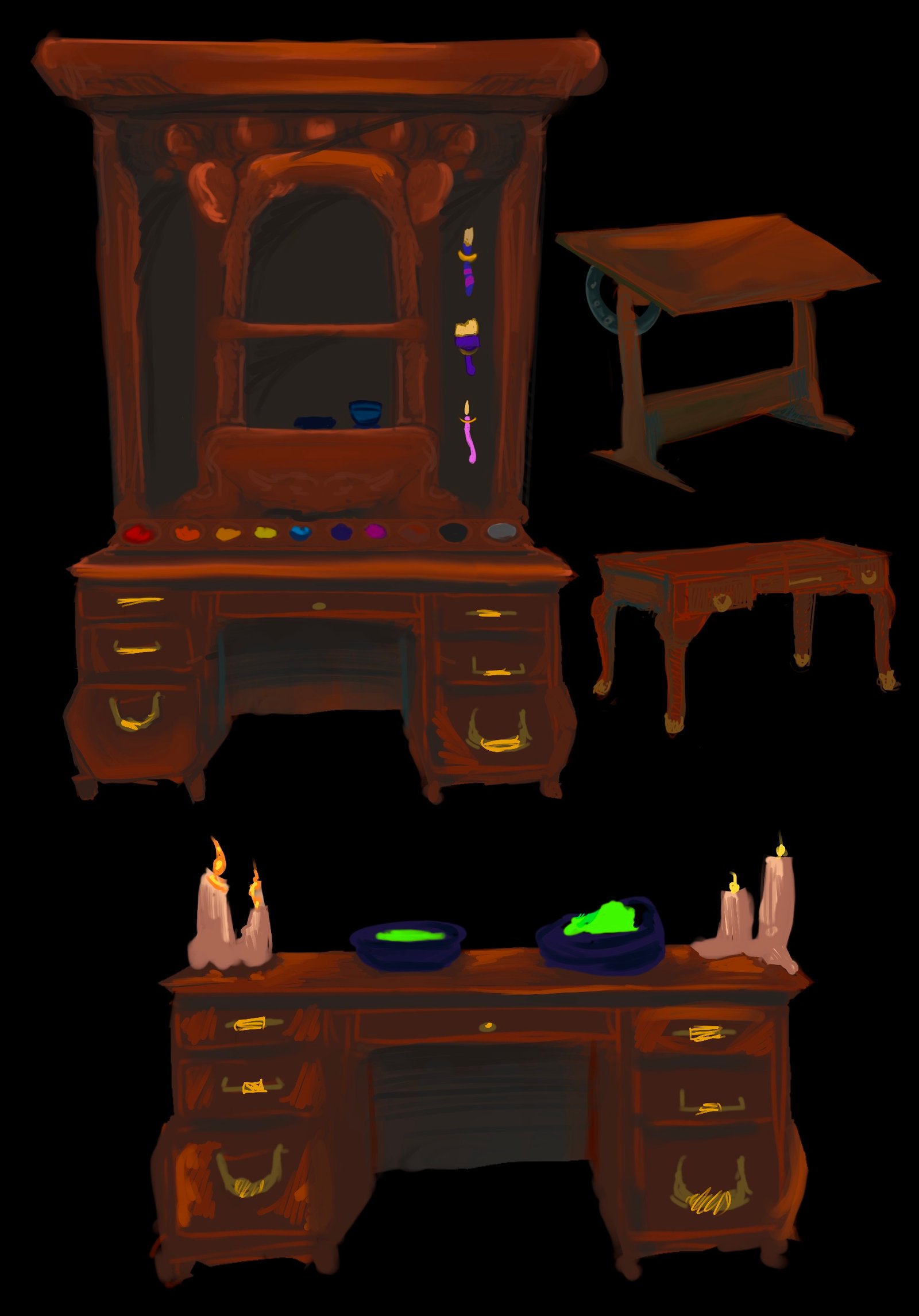
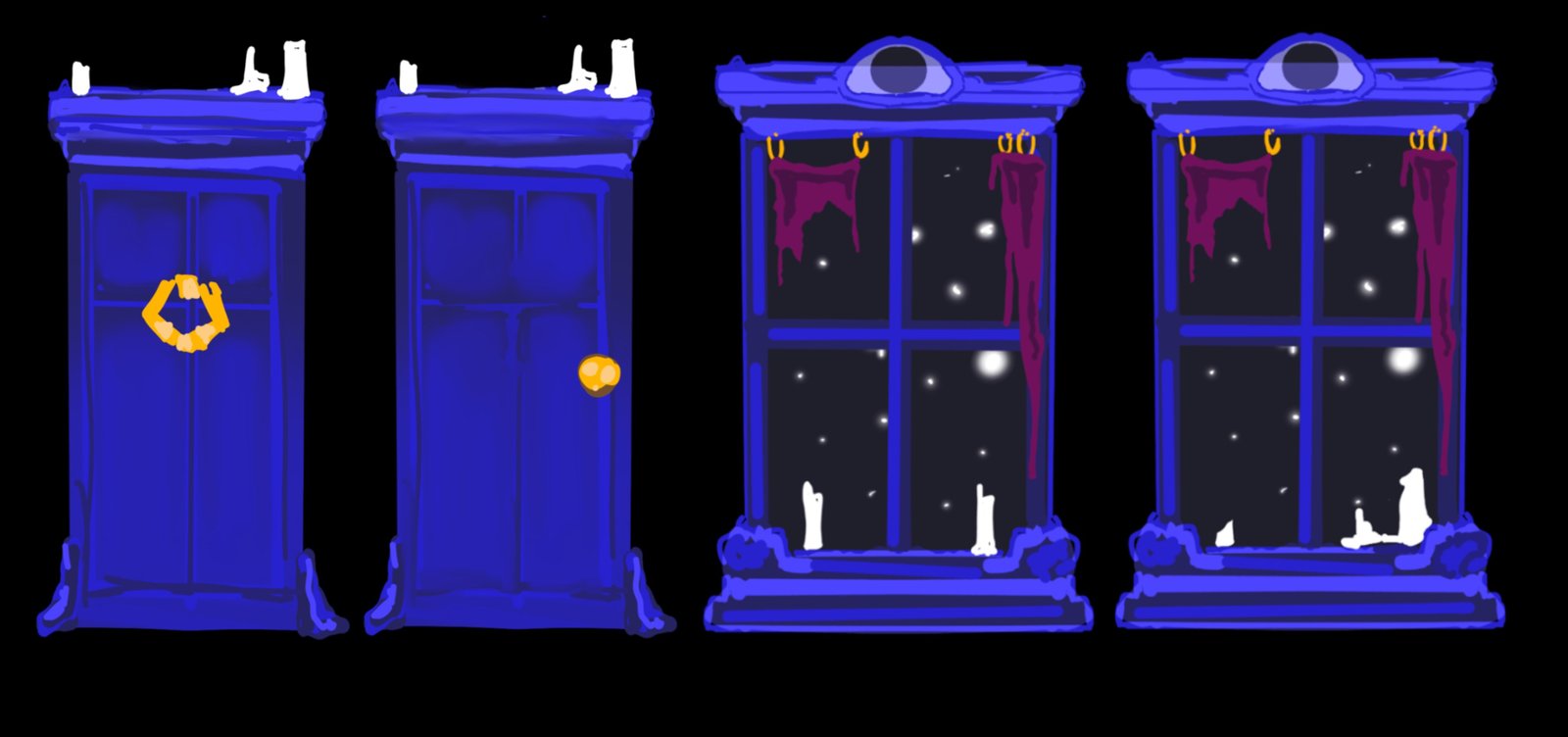
One of my favorite parts of this project was illustrating different ideas to show members of my team how different parts of the game loop could be broken down and fit within the magical environment. While some of these concepts did not make it into the final build, it was important to the development of the art style. All of these were made on Procreate, so I could work quickly away from home.
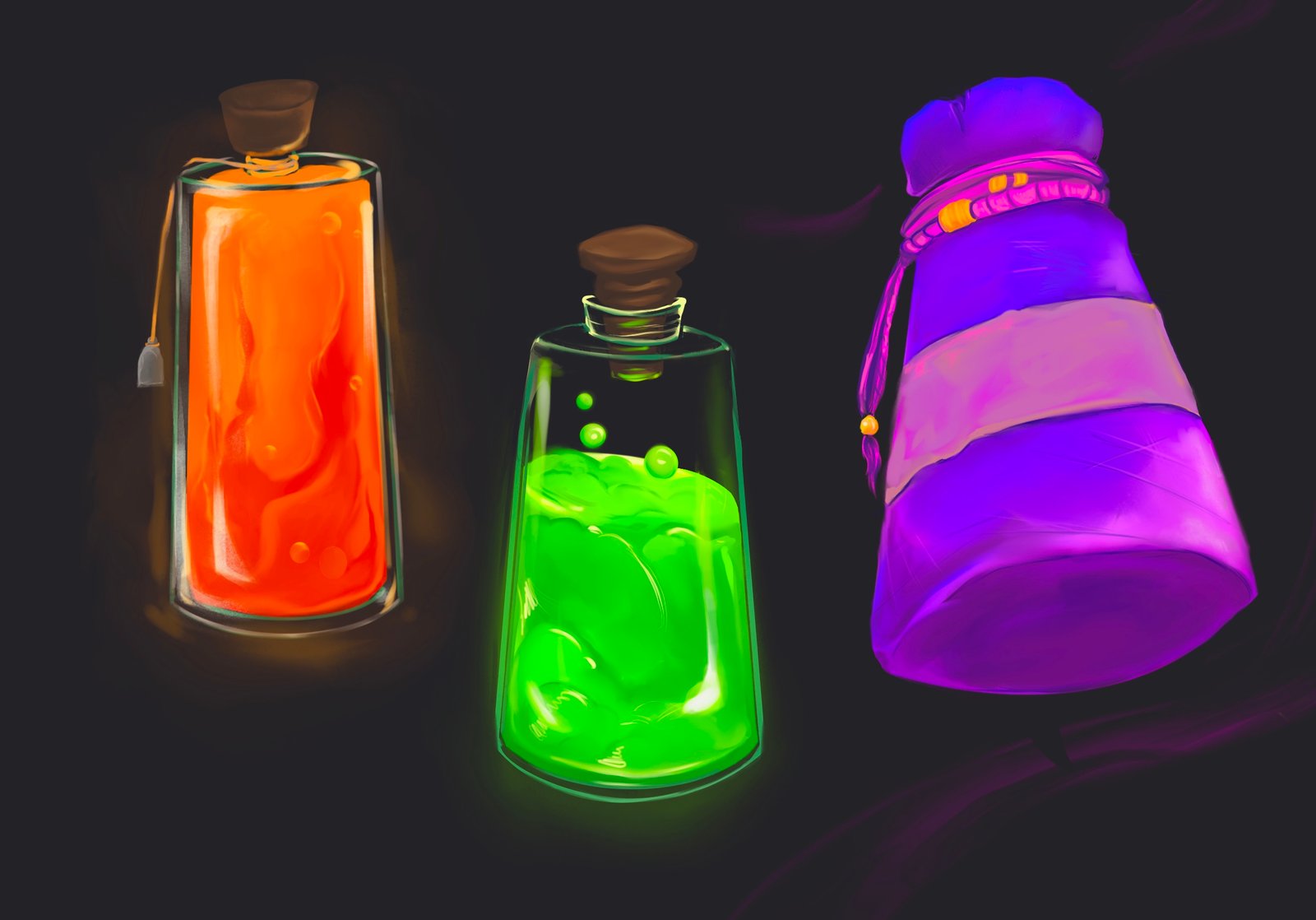
The main theme that showed through within my drawings was using bright and saturated colors to represent the magic of Broomsmith. A lot of these drawings helped guide myself and my team members to select a color palette.

Overall, I believe this strengthened my illustration skills and attention to detail, as well as developed my abilities to create props that fit within a VR context.

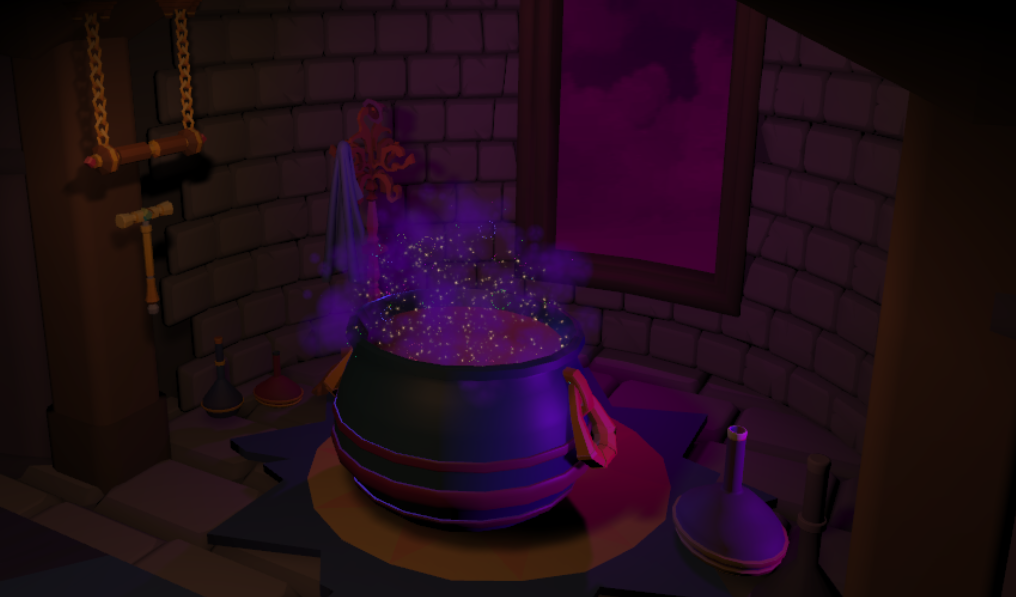
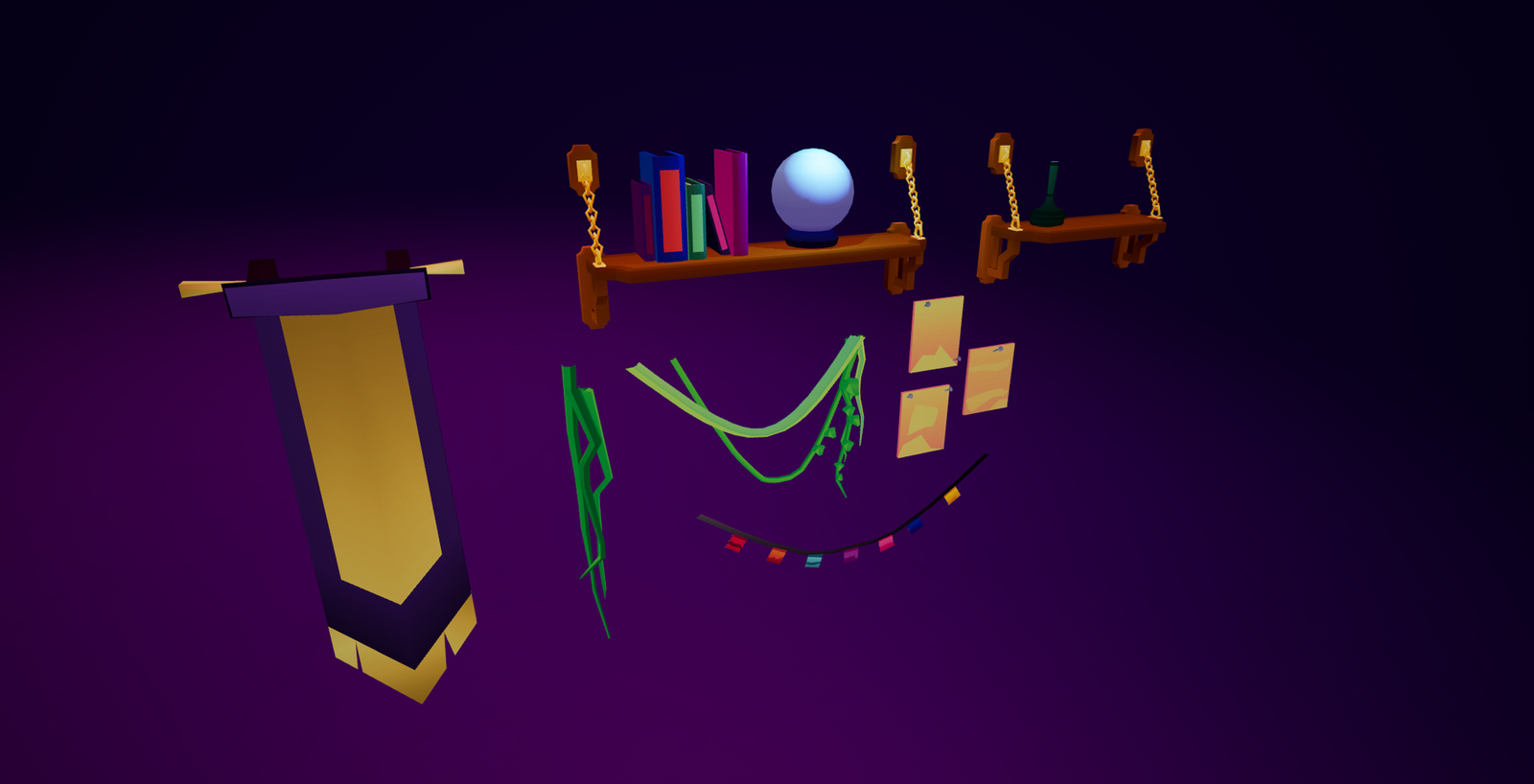
I was responsible for the creation and or texturing of the majority of props shown within the final build. Our goals were to have a low poly, brightly colored and magical aesthetic.
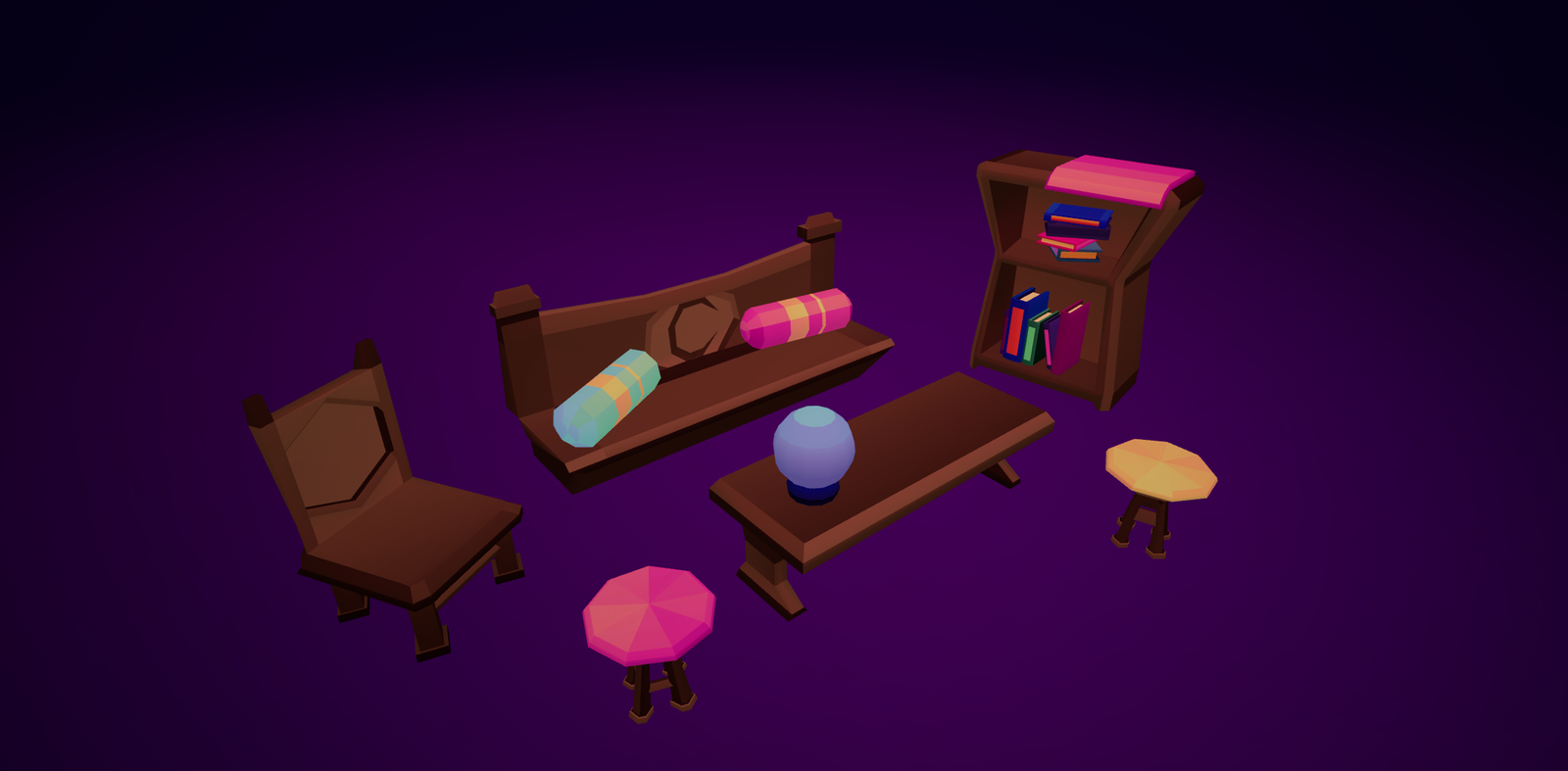


A fun part was filling out the "waiting room" that is blocked off from the player but adds to the immersive element of the game. I wanted to make sure that regardless of where the player looks, the environment remained immersive and FELT like a real magical repair shop. I made a matching furniture set with stools, a bench, chairs and a crystal ball.
A vital part of being a 2D/3D artist on this project was coming up with props that solved specific design challenges. Our paint desk provides a crucial example. The user needs somewhere to crush up, mix and paint. The paint desk I designed ensures a smooth play experience while retaining the magical feeling of the game. It also encourages the user to take a closer look at each of the magical pigments.


The pigment tray is a focus of the desk, and solves the issue of potentially overcrowding the player in VR with different pigments. It also signals what color will be blended and allows for a natural "respawn" of the pigments when the player runs out.
One of the most important parts of a virtual reality experience is the immersive environment. Everywhere you might look, it is important to have detail for the player to notice and appreciate.

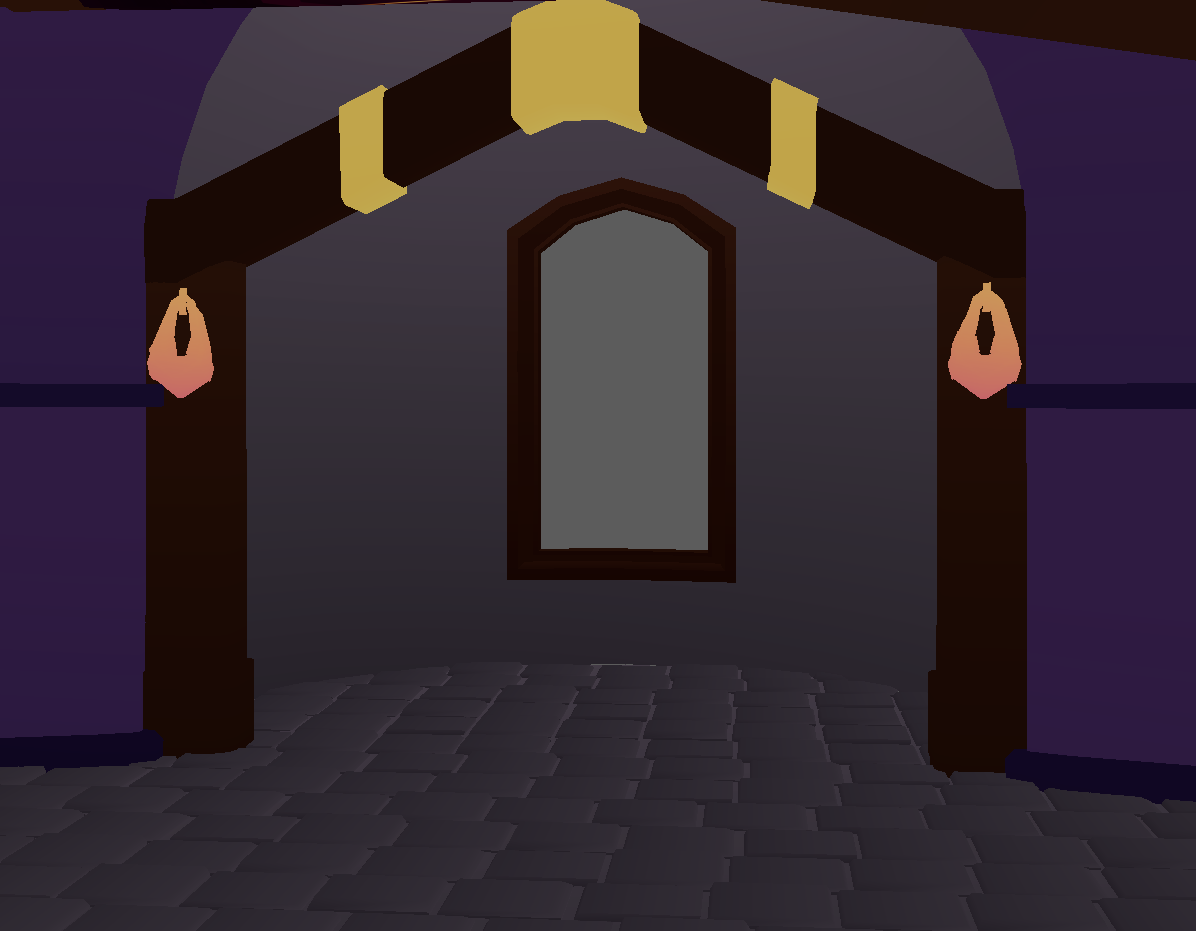
I took the above concept one of our artists sent me, and turned it into a warm, inviting, magical shop. I realized we were well below the poly budget and added floors, a brick wall, and details to the mesh wherever I could.
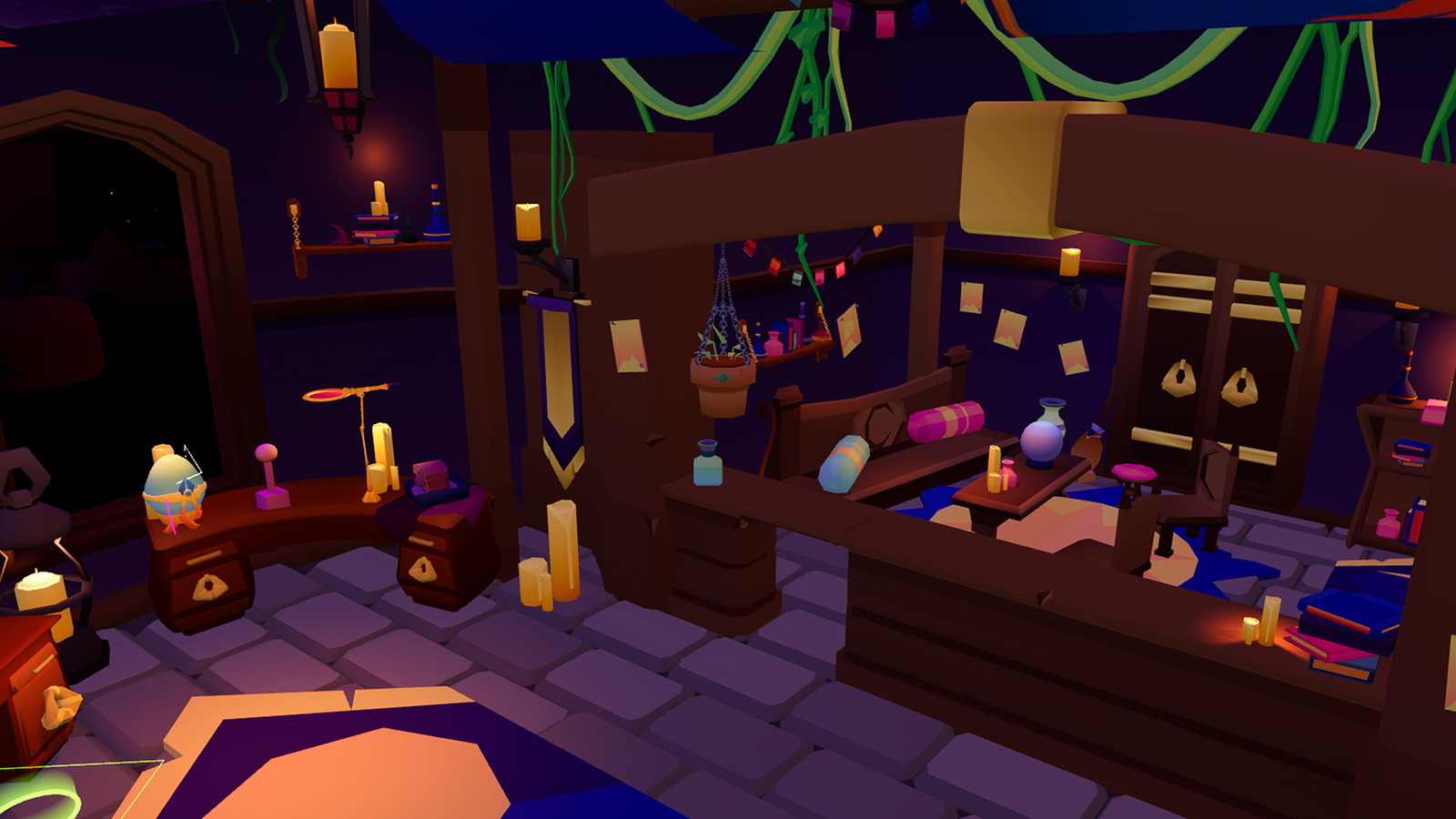
Something I was inspired to add to the game was ceiling decor. I felt that if the player was looking around, the game should be visually interesting from all angles. I love tapestries, and how they can provide so much visual interest while not overpowering the rest of the space they are in. This led me to creating my own through 2D illustration, and projecting them onto the mesh.


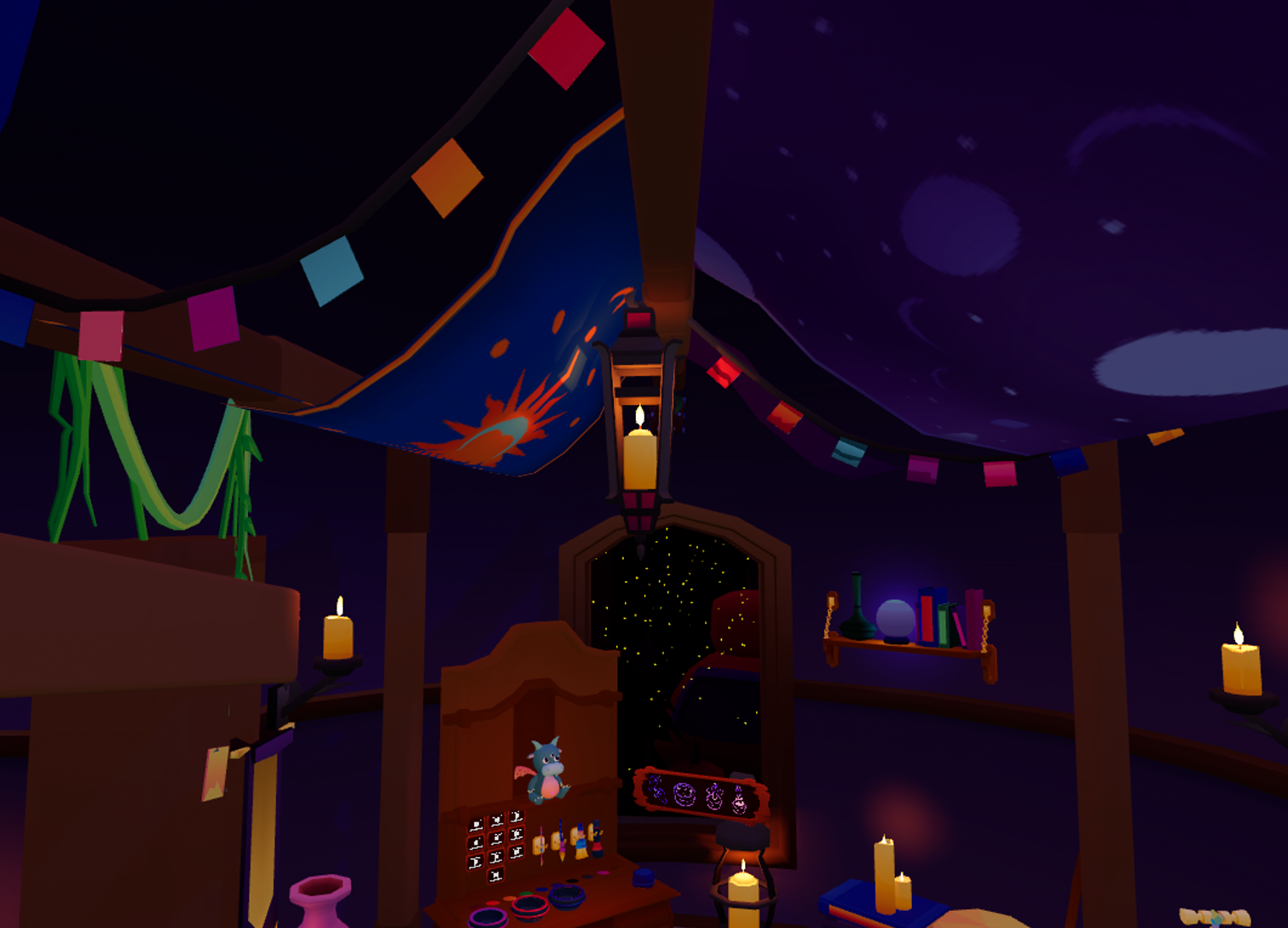
Textures
In context
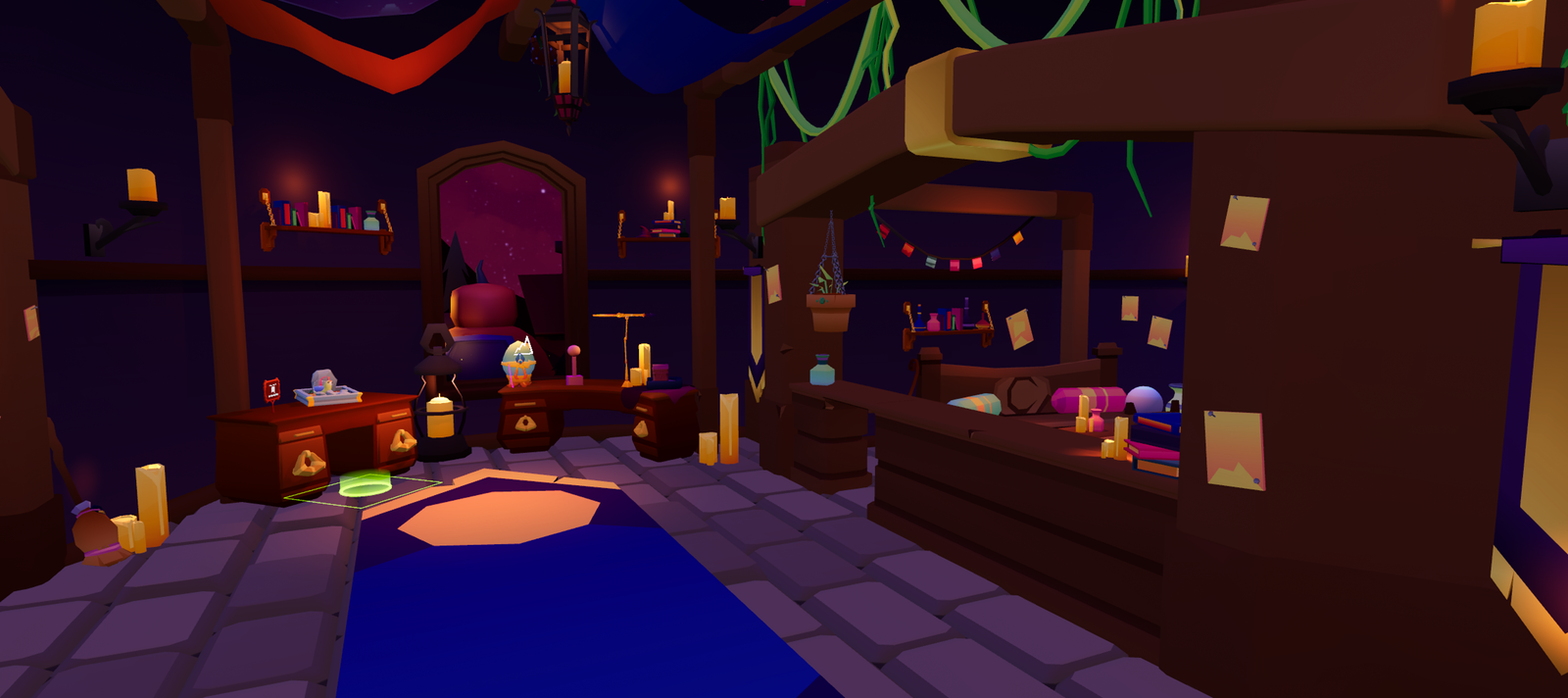
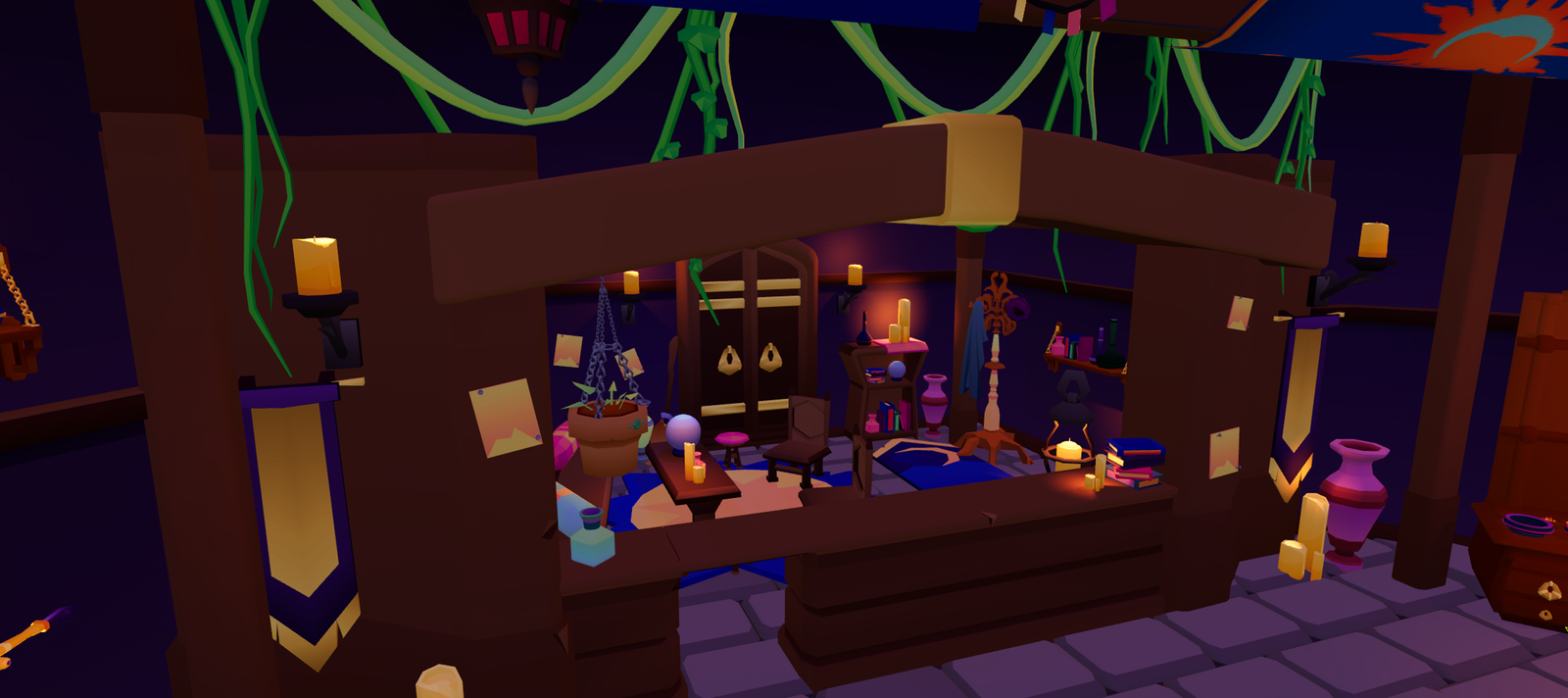
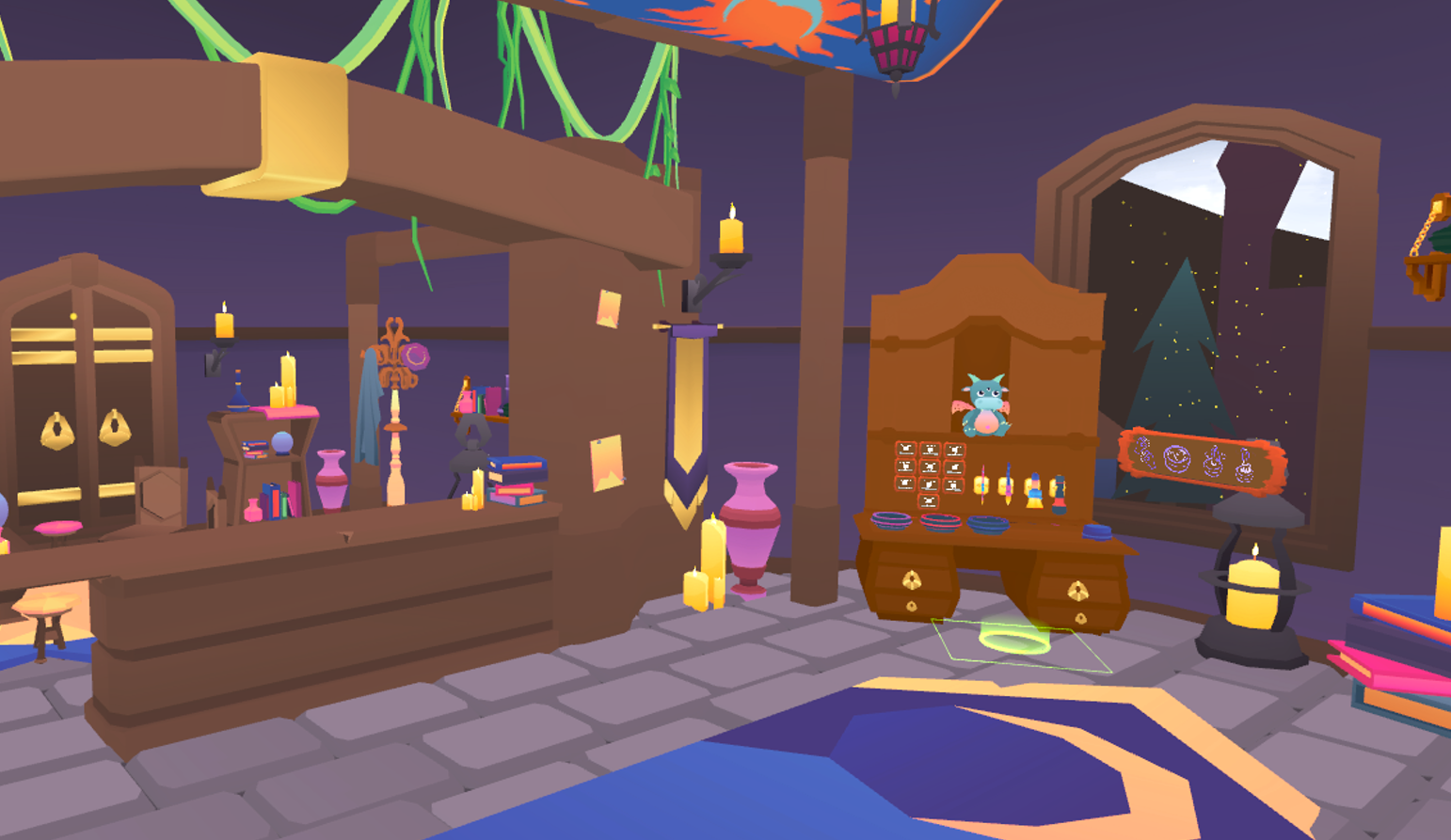
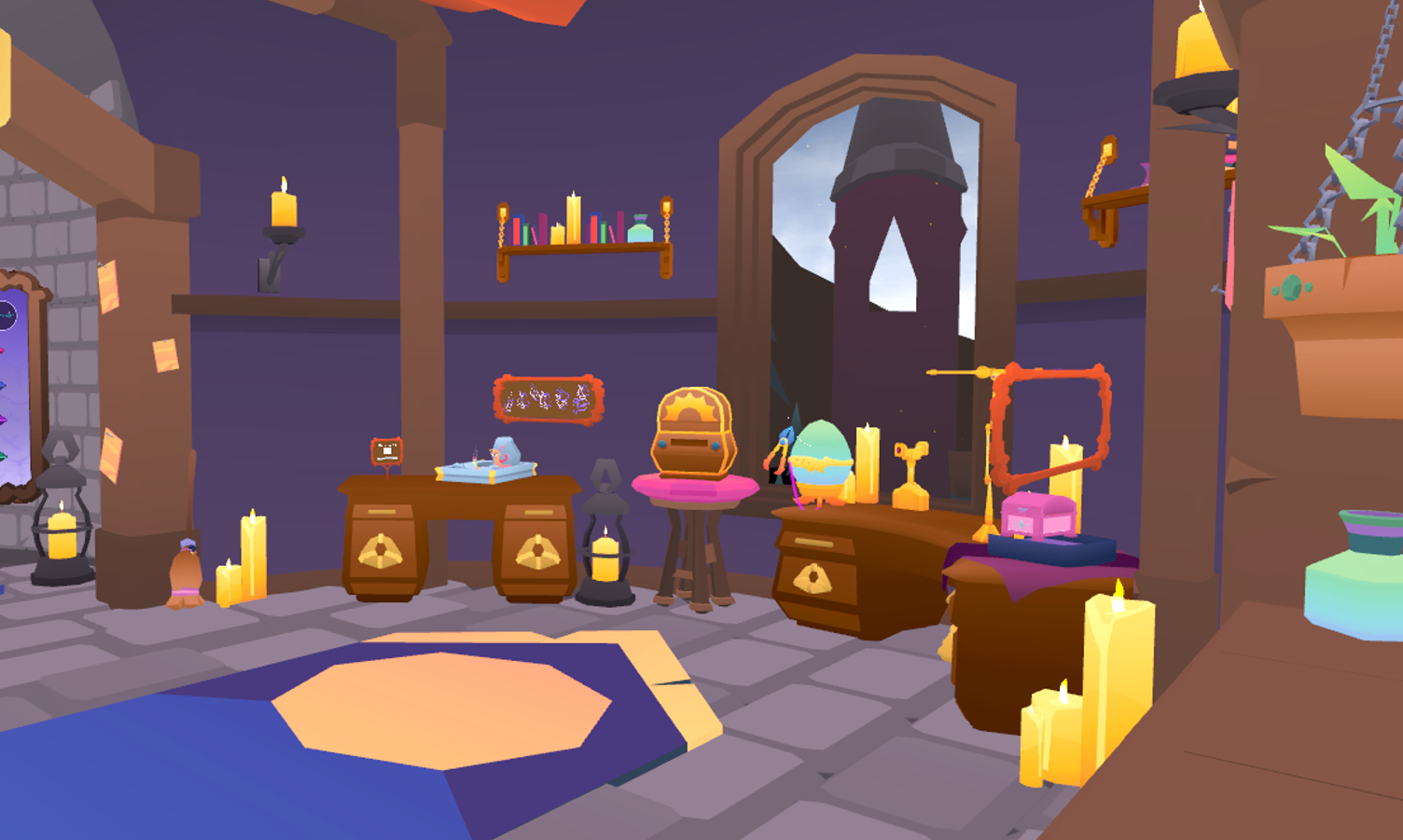
Unlit environment
Here was the first major lighting pass before the bake. I used purples, pinks and blues as accent lights, and main lights of a mustard yellow hue.
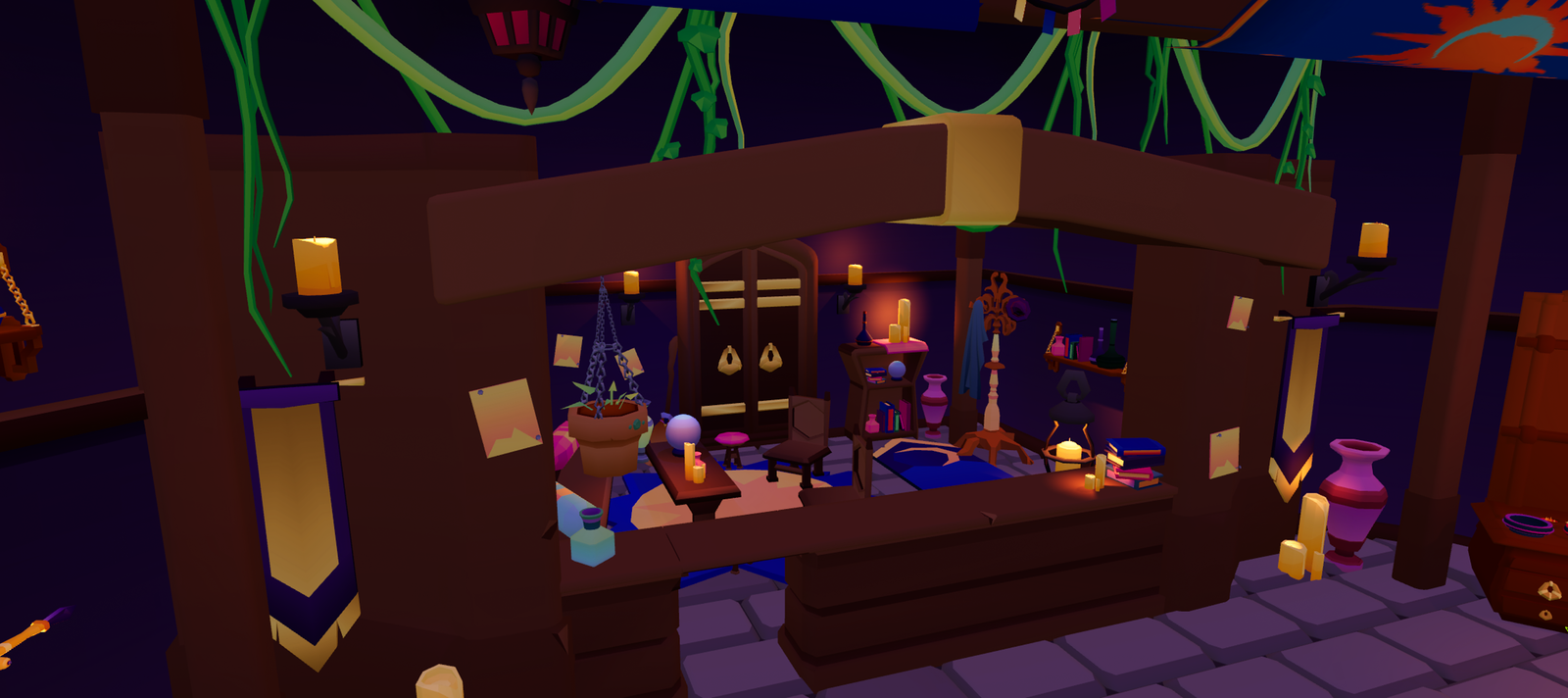
One of my team members optimized the lights, converted them to static, and went ahead and baked for a mobile build. This was the final result.
One of the things that really makes an immersive game stand out is the addition of shaders! With the focus being around magic, it was non-negotiable to have specific shaders to highlight, add to and solve certain magical problems to guide the player throughout!
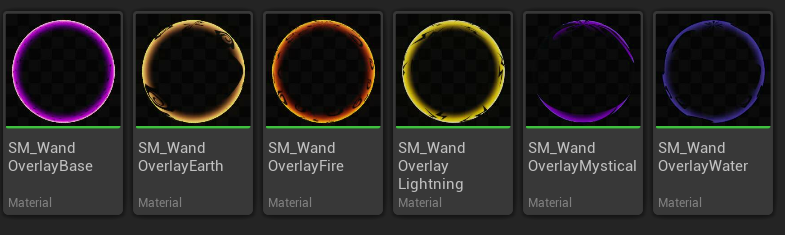
Learning the UE5 material creator was an adjustment from Unity's Shadergraph — however, once I was able to get the hang of it, it became really fun to add more magic to our world.
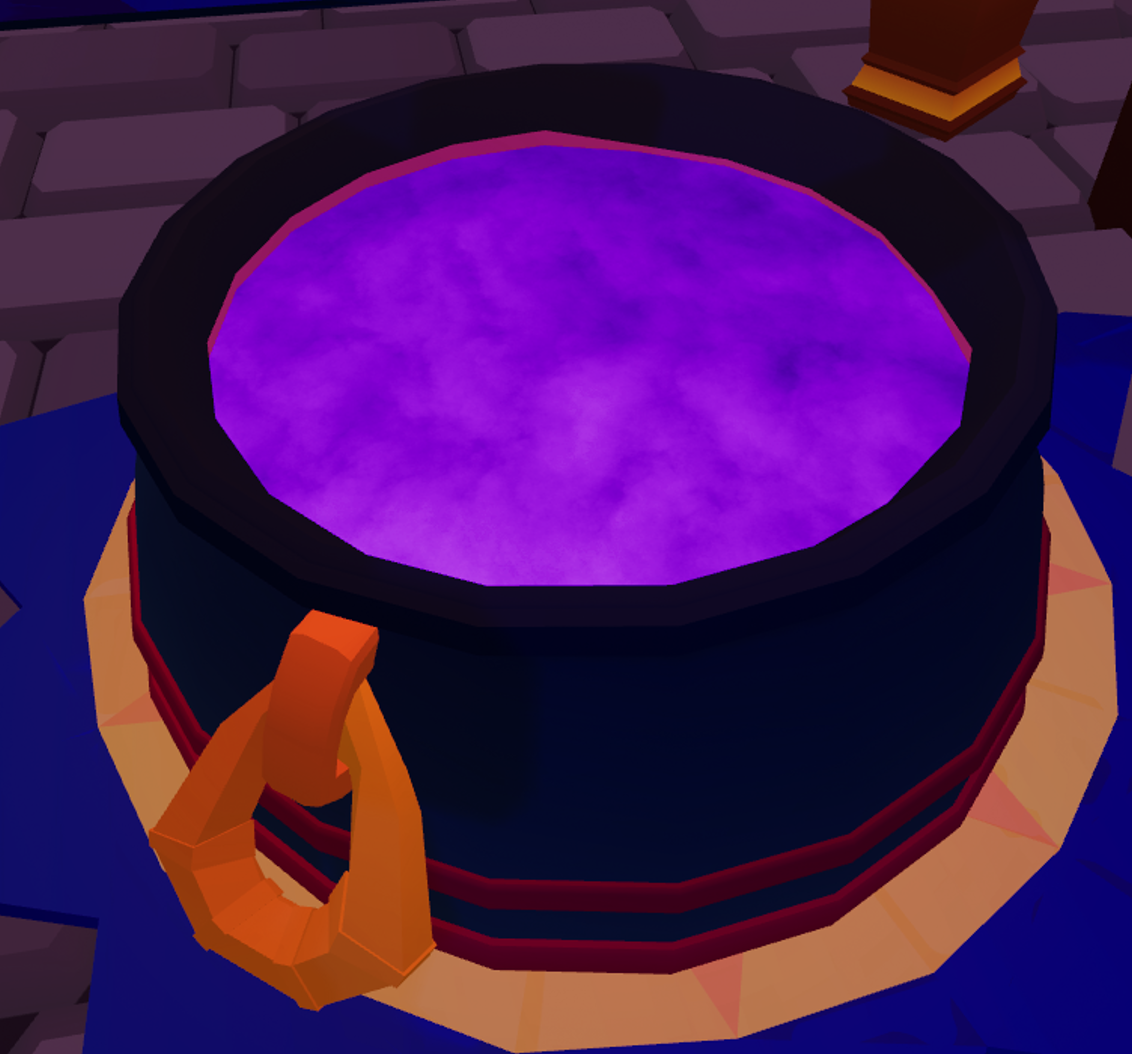
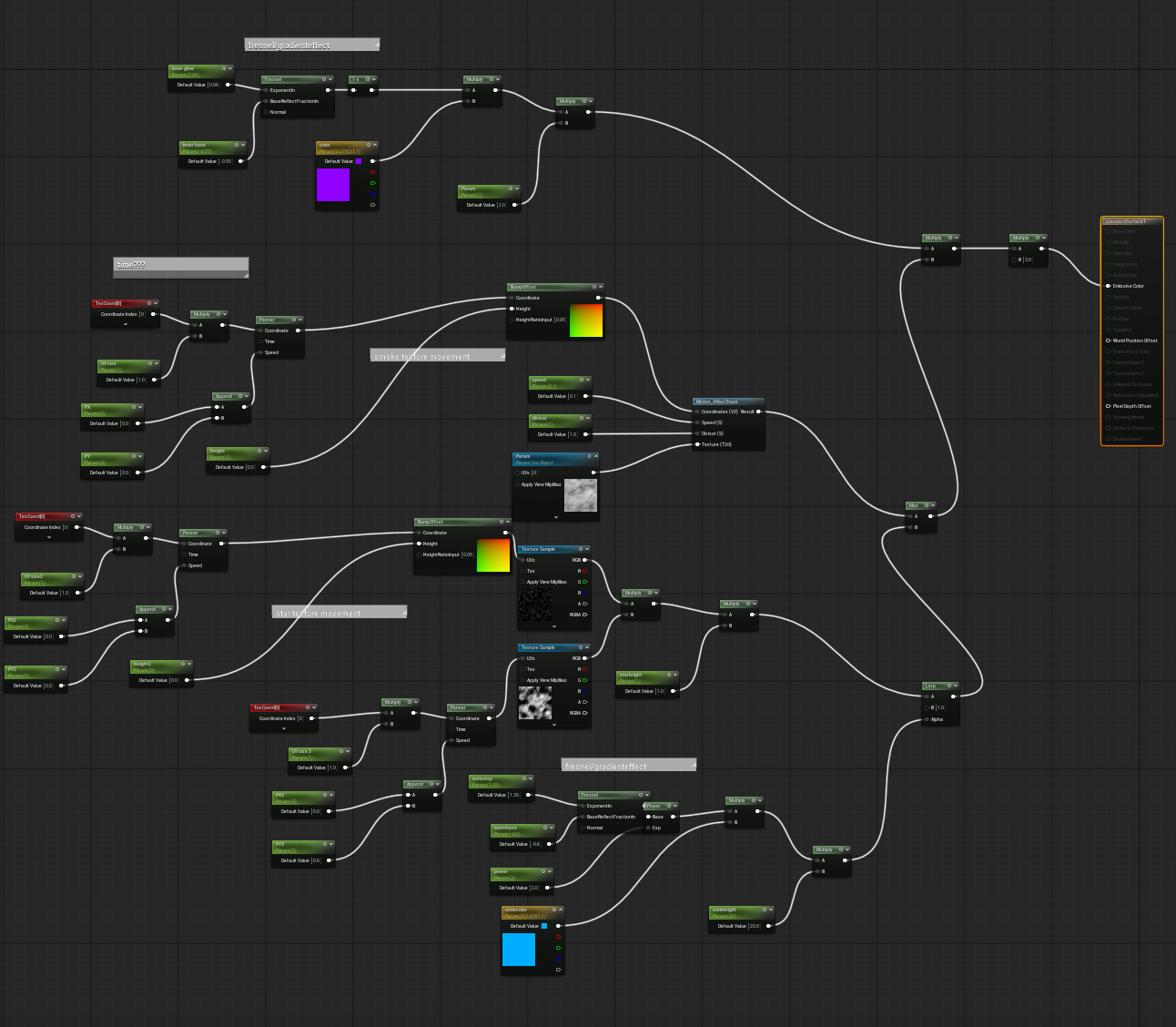
Cauldron Liquid Material
Material Graph
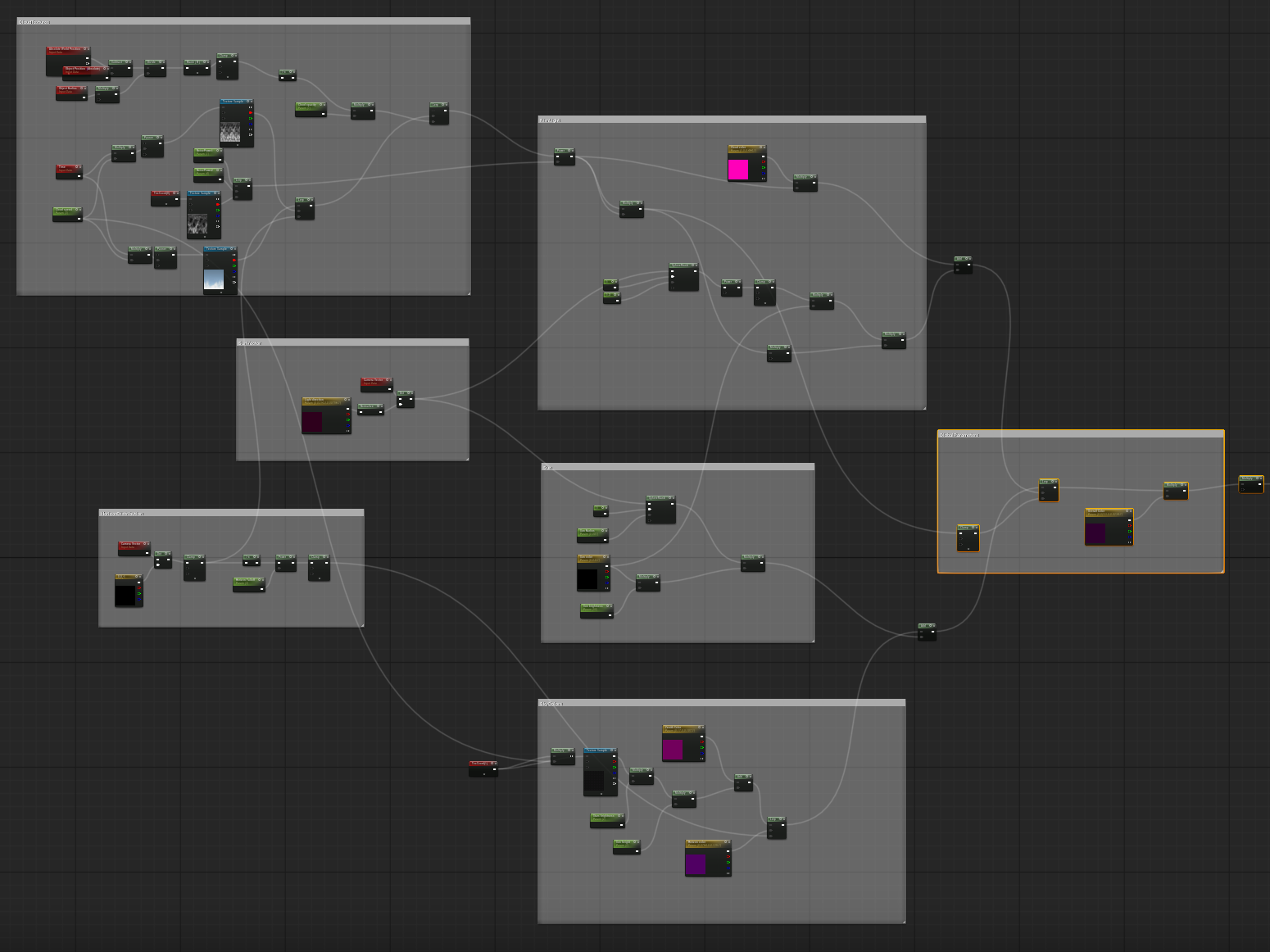
Skybox Liquid Material
Material Graph
Learning the UE5 material creator was an adjustment from Unity's Shadergraph — however, once I was able to get the hang of it, it became really fun to add more magic to our world.
While the creation of new materials was important, having particles added the final touch! I was responsible for all particle systems in game.
For the majority of my particle systems, I used a few 2D materials, set them to face the player, and experimented with hue shift, velocity and more.
One of my favorite parts of the cauldron particle system was hand drawing the bubbles!
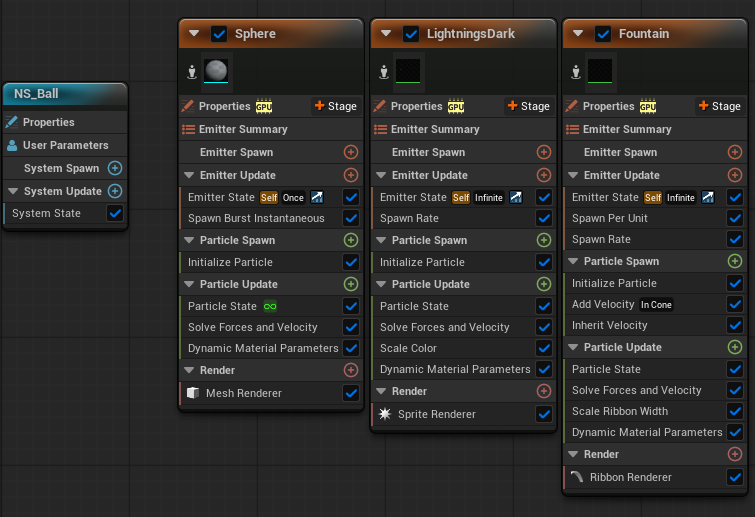
My challenge was tracking player movement and making the curse particle system interactable. After attempting to make a 3D model and rig it, I needed something that smoothly ran on mobile and had a proper "tail" that changed based on movement.
The solution? A ribbon renderer.


One of the responsibilities for this project at the beginning was conceptualizing an art style for the game. We broke down the lighting, colors, style and music style within the art bible, which I created. This way we could pass this document off to contributors, and ensure they understood what we were trying to create. Included in the art bible were pieces of art created by myself and my teammates, descriptions and links to music and sound effects.

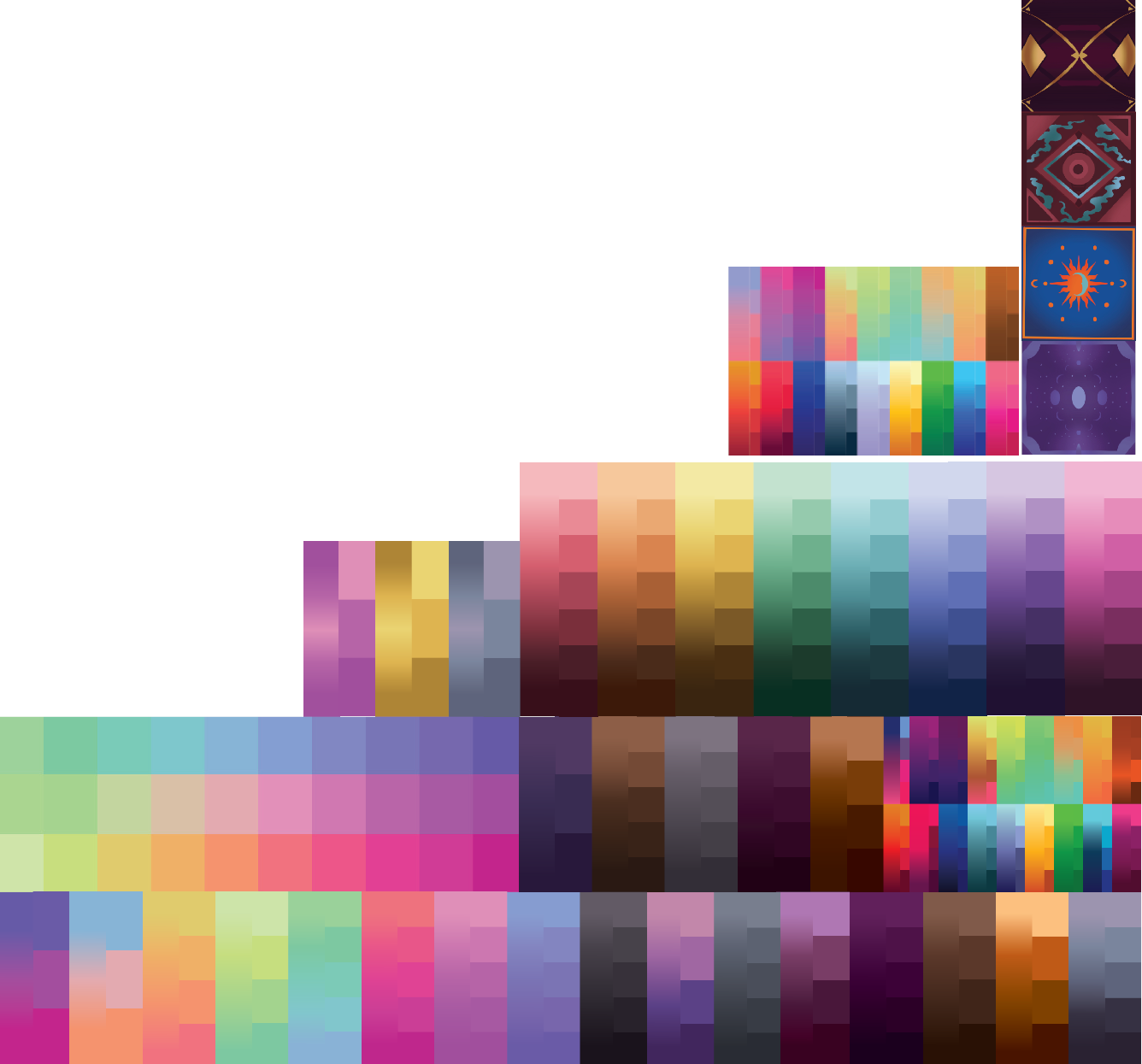
Having this document showed the progression of Broomsmith. We ended up changing parts of the art style several times during the first and second 10 week pushes. We opted for a less detailed, non-hand-painted geometric look that aided in rapid prototyping. The music created by our musician retained the similar cozy, relaxing and magic vibe shown within the art bible.


My biggest challenge towards the end of the project was starting and managing our social medias, as well as creating trailers to advertise our project and share with the Rookies.
Social medias created include a "mock" press kit on Notion, an Instagram, a Reddit, X, Bluesky, and a TikTok.
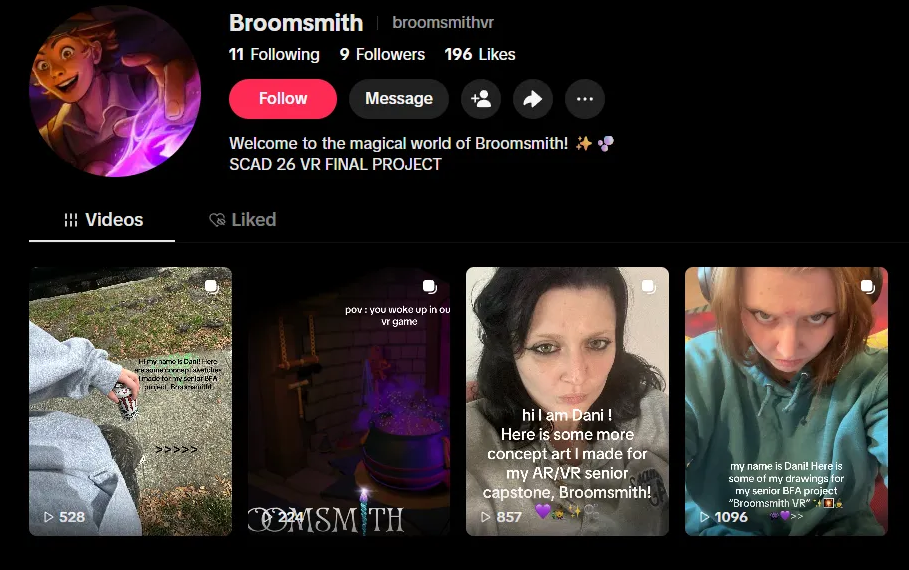
Our greatest potential consumer reach was found on TikTok, with short form video content being a creative way to showcase all the team members' work. The success comes from a call to action!

I used the Unreal Engine Cinematic tools to shoot and create footage, and put the final shots together in After Effects.
This, combined with artwork from a teammate, voice acting from a friend and some sound effects that were already made custom for the game, I was able to create a convincing trailer! Five versions of this trailer were posted to YouTube throughout our capstone process.